Microsoft LifeCam VX-3000 Webcam


 The only thing lacking that I would have wanted is a sliding lens cover, both to protect the lens and for privacy. I went back and forth on wanting the VX-3000 and the VX-6000. The comparison table shows that the VX-6000's only benefits are 3x digital zoom, high-speed USB and a wide angle lens. I know that the video resolution is also higher. For me, I didn't need the digital zoom. Also, I didn't know that there was a difference in USB. I thought all USB 2.0 was "high-speed." The instructions on the webcam recommend connecting to USB 2.0 so what exactly is "high-speed?" The wide angle lens would've been great, but not worth the extra cost. Certainly, the two most compelling reasons to get the VX-6000 is the wide angle lens and the higher video resolution. Based on my needs, the better value was the VX-3000.

by Microsoft
 |
| Microsoft LifeCam VX-3000 Webcam |

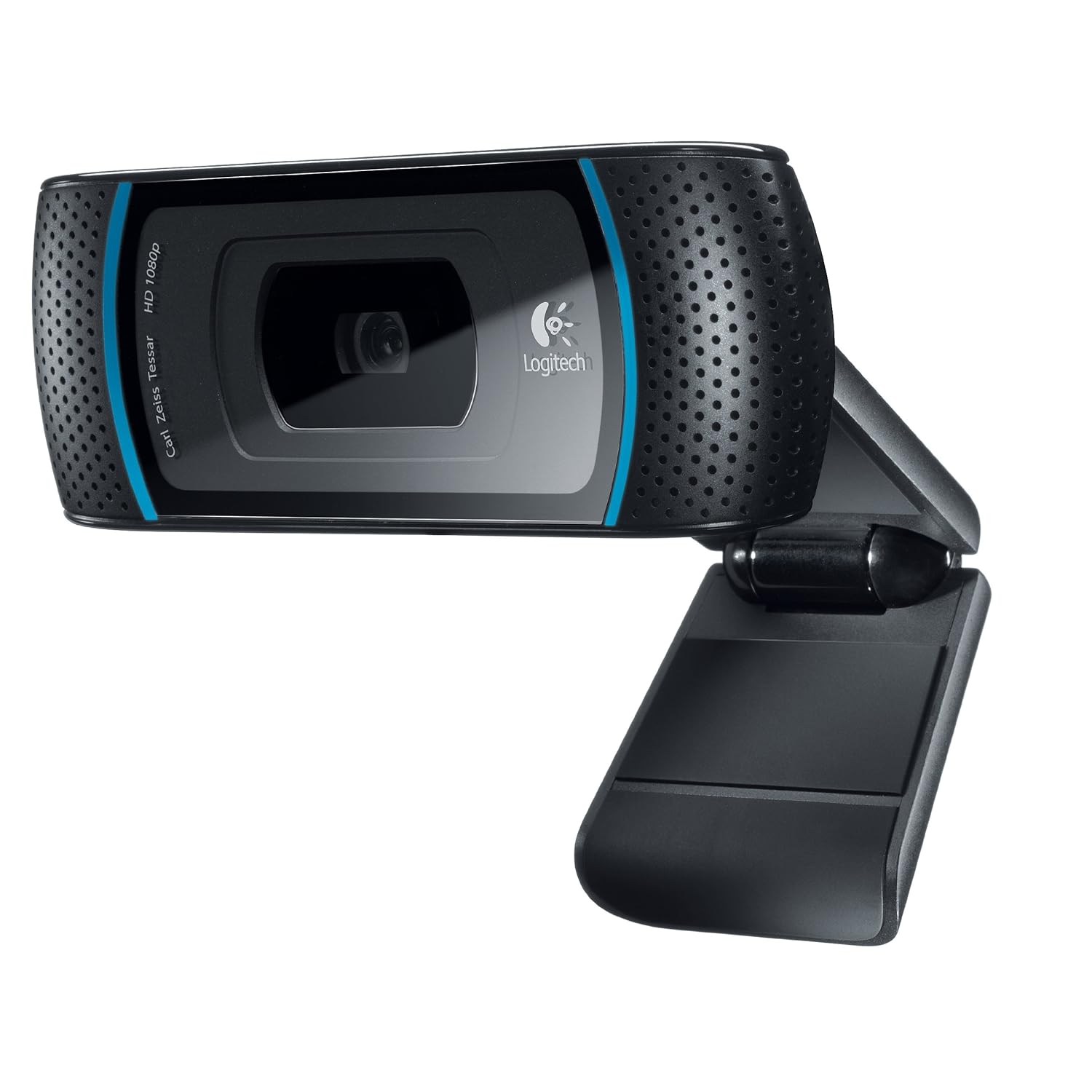
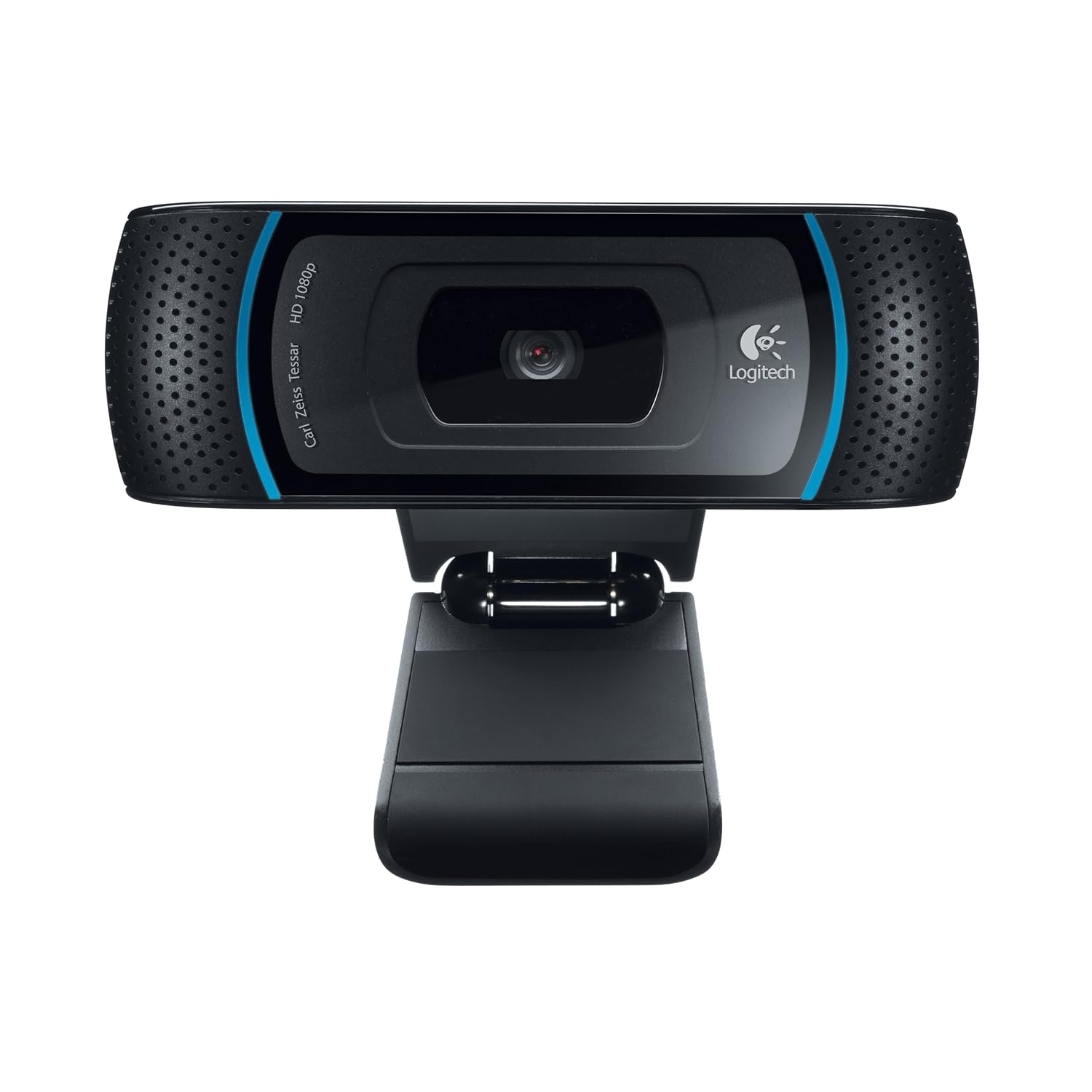
The size of the VX-3000 is more dimunitive in size than I expected. I included a photo so people get an idea. It looks a lot bigger in the photos than it really is. It also fits a lot snugger on my Dell 19 inch LCD monitor than did the Logitech. Because of the base design, I can put it flat on the desk or hook it on top of the monitor.

The main review I read from PC Magazine states that the mic did a poor job so I was a concerned as the audio is almost as important to me as the video. The fear was unfounded as I tested it with my family for over an hour and they could hear me just fine with only a slight echo when I placed it too close to my speakers.

The video resolution is 640x480, more than enough for my needs. The VX-6000 has higher resolution, but is also more than twice as expensive. I was very satisifed with the video and the low light support was excellent and worked better than the Logitech Fusion.

The Live Call button on top of the camera is actually a nuisance when trying to adjust the angle of the camera. I don't see myself ever using it and only works with Windows Live Messenger anyways. The cam itself swivels vertically and horizontally. The vertical swivel is actually quite stiff so you need to hold the cam with both hands to adjust. I guess it's a good thing so that the cam doesn't get out of position easily. The cord is also a decent length so if you want to pick the camera up and move it around, it gives you some freedom to do so.
 The only thing lacking that I would have wanted is a sliding lens cover, both to protect the lens and for privacy. I went back and forth on wanting the VX-3000 and the VX-6000. The comparison table shows that the VX-6000's only benefits are 3x digital zoom, high-speed USB and a wide angle lens. I know that the video resolution is also higher. For me, I didn't need the digital zoom. Also, I didn't know that there was a difference in USB. I thought all USB 2.0 was "high-speed." The instructions on the webcam recommend connecting to USB 2.0 so what exactly is "high-speed?" The wide angle lens would've been great, but not worth the extra cost. Certainly, the two most compelling reasons to get the VX-6000 is the wide angle lens and the higher video resolution. Based on my needs, the better value was the VX-3000.
The version of the drivers that came on CD-ROM with the cam was 1.1 but I downloaded 1.3 from Microsoft's website. I have to say that after some weeks of using Windows Live Messenger, it has a habit of getting disconnected quite often. My family has observed this as well. Until Microsoft remedies this, I may have to switch over to Google Talk with a video plug-in but the webcam itself, is exactly what I wanted.